Frequently Asked Questions (FAQ)
General FAQ
When will Tap Map release?
Tap Map has been released and can be downloaded from the Apple App Store and Google Play.


How do I get an account
Tap Map gives you the option to create a user in the profile settings (tap the avatar icon), using your email address. Tap Map gives you the option to register in the profile settings (tap on the avatar icon).
How do I get rid of the Ads?
Tap Map’s basic model is ad-supported which allows us to continue to develop and improve. To remove ads simply create an account and upgrade to the premium subscription model.
What platform does Tap Map support?
Tap Map runs on iOS, iPad OS, and Android. We support recent versions of each platform.
What identity provider does Tap Map support?
Tap Map allows for ‘Sign in with Apple’ and ‘Sign in with Google’.
How do I get help?
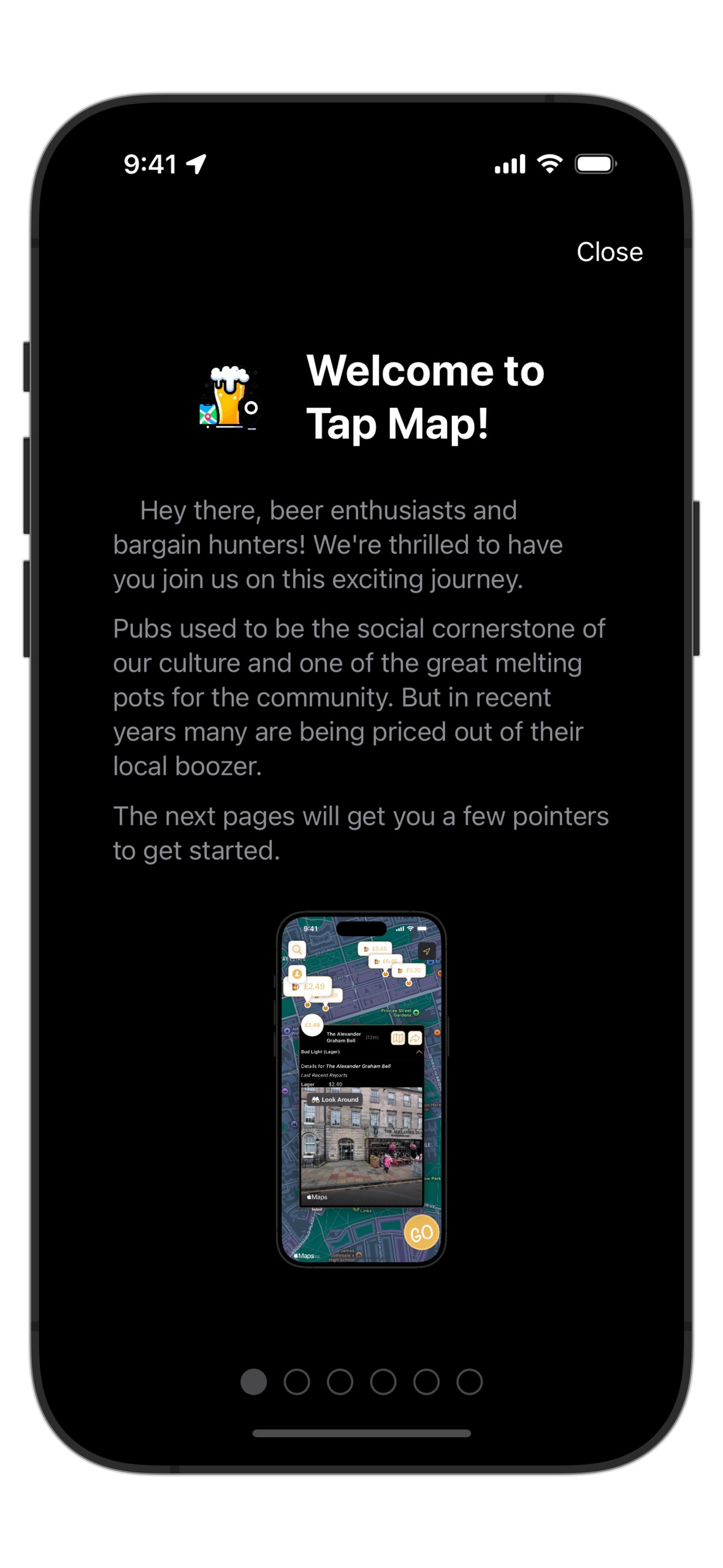
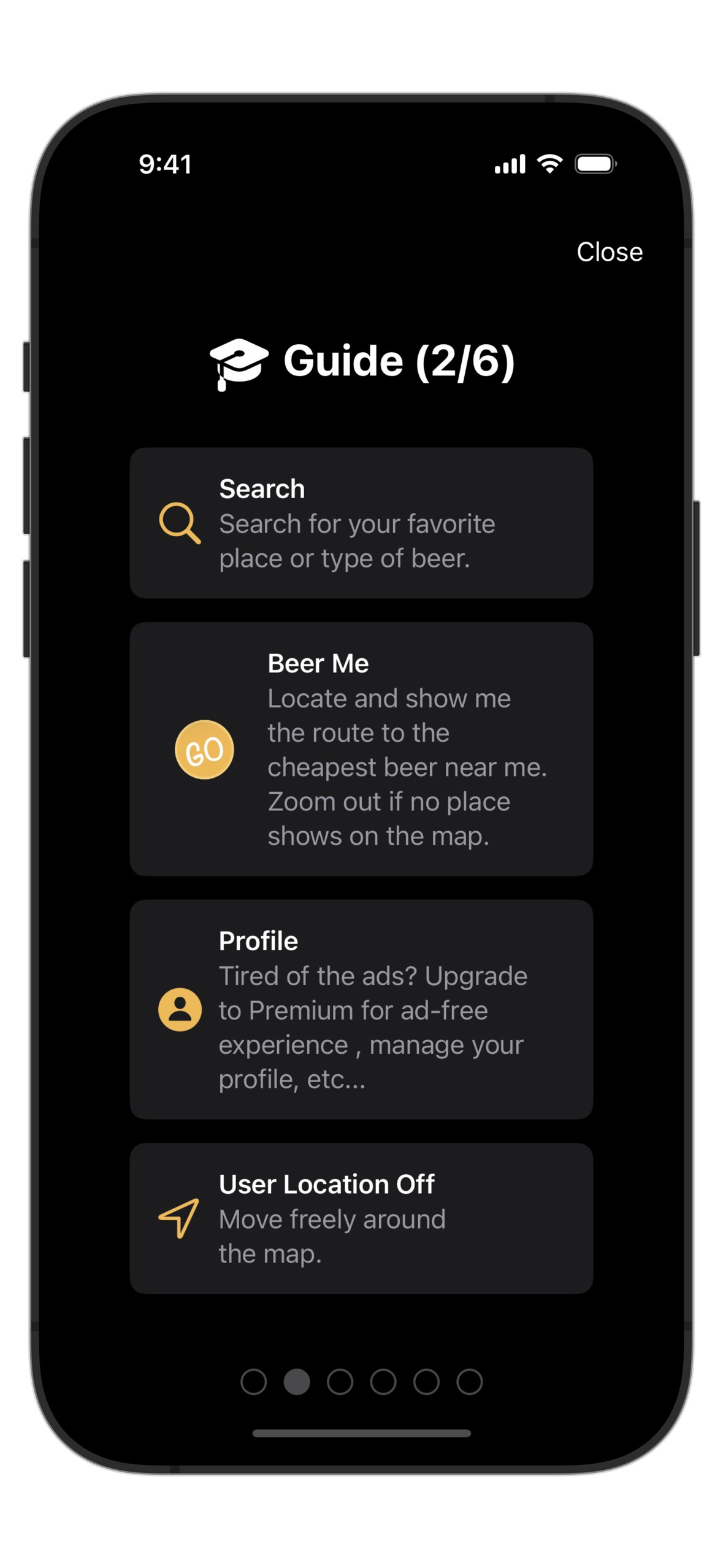
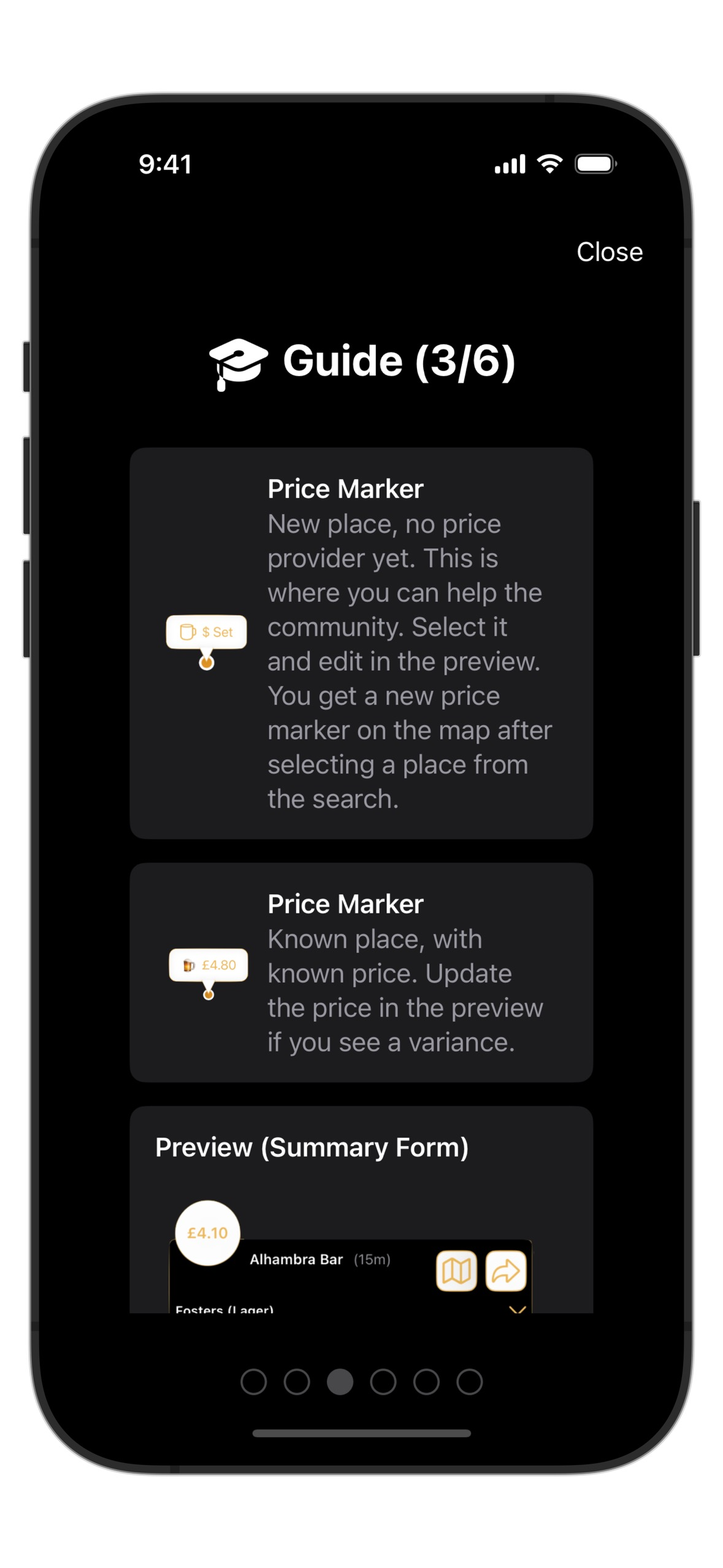
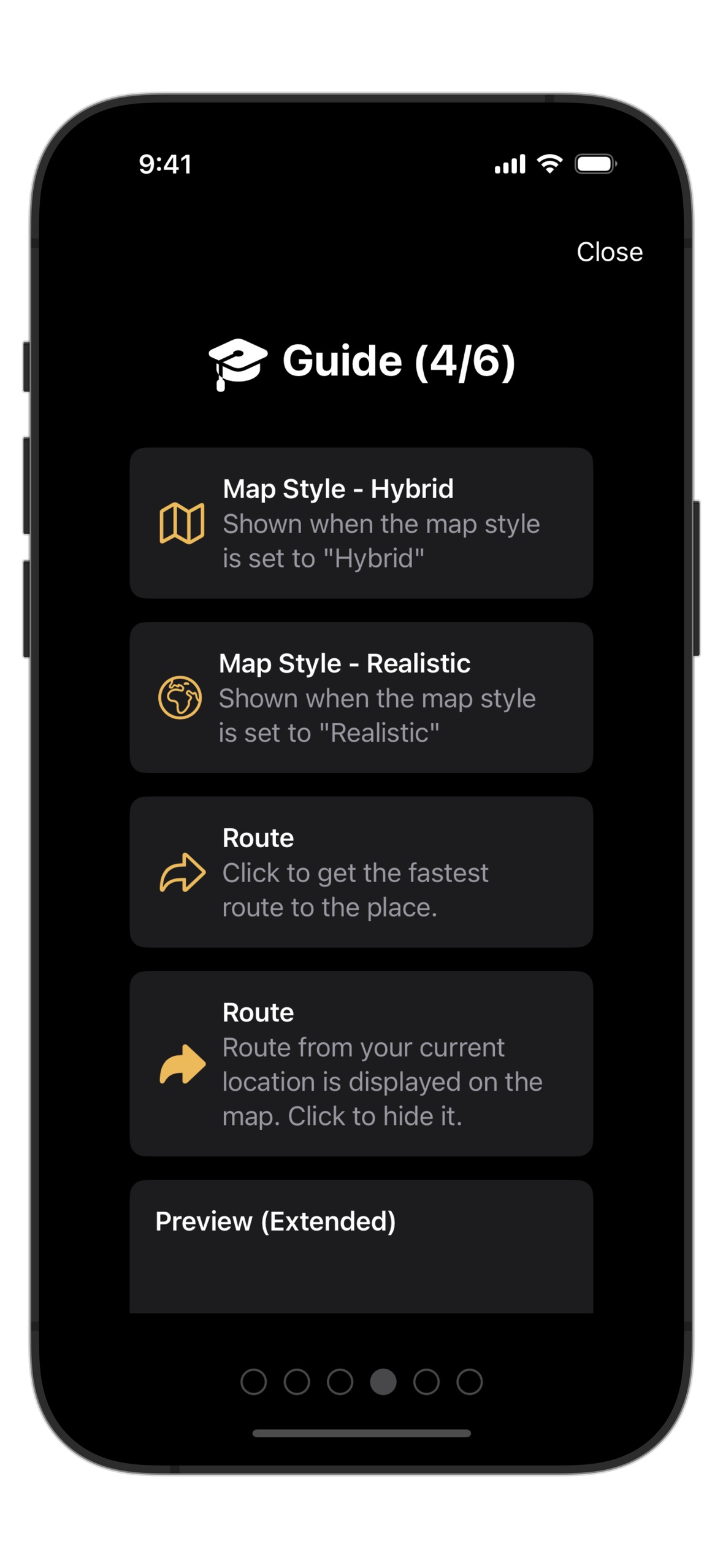
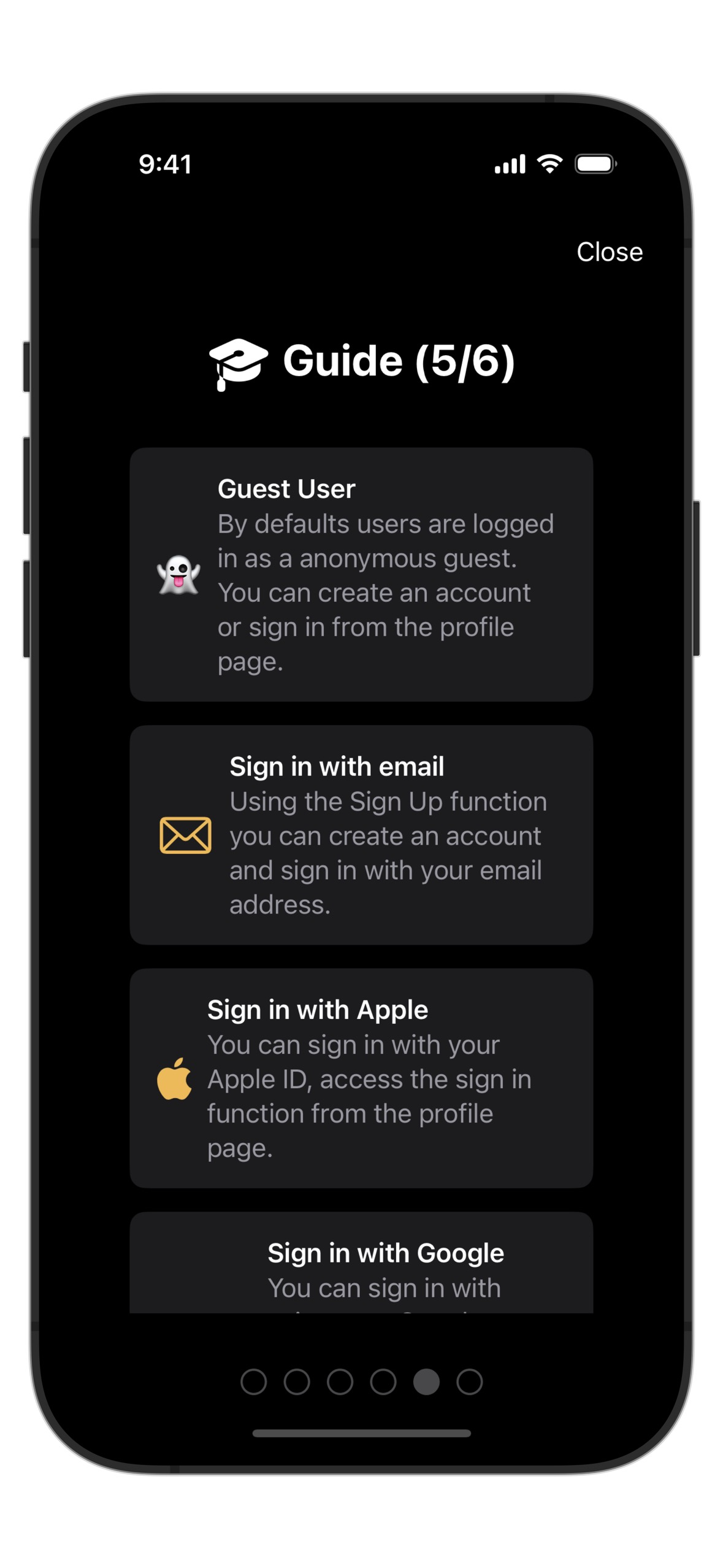
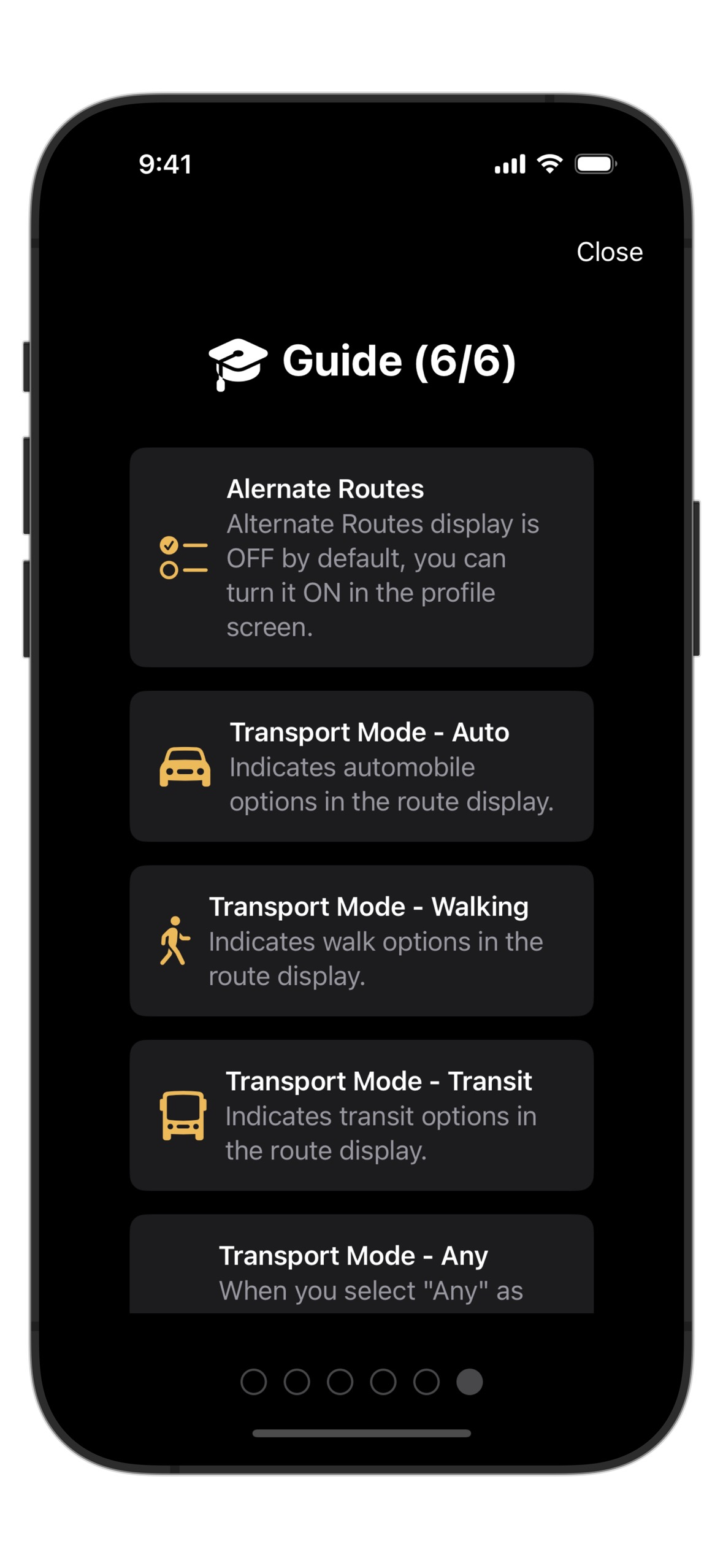
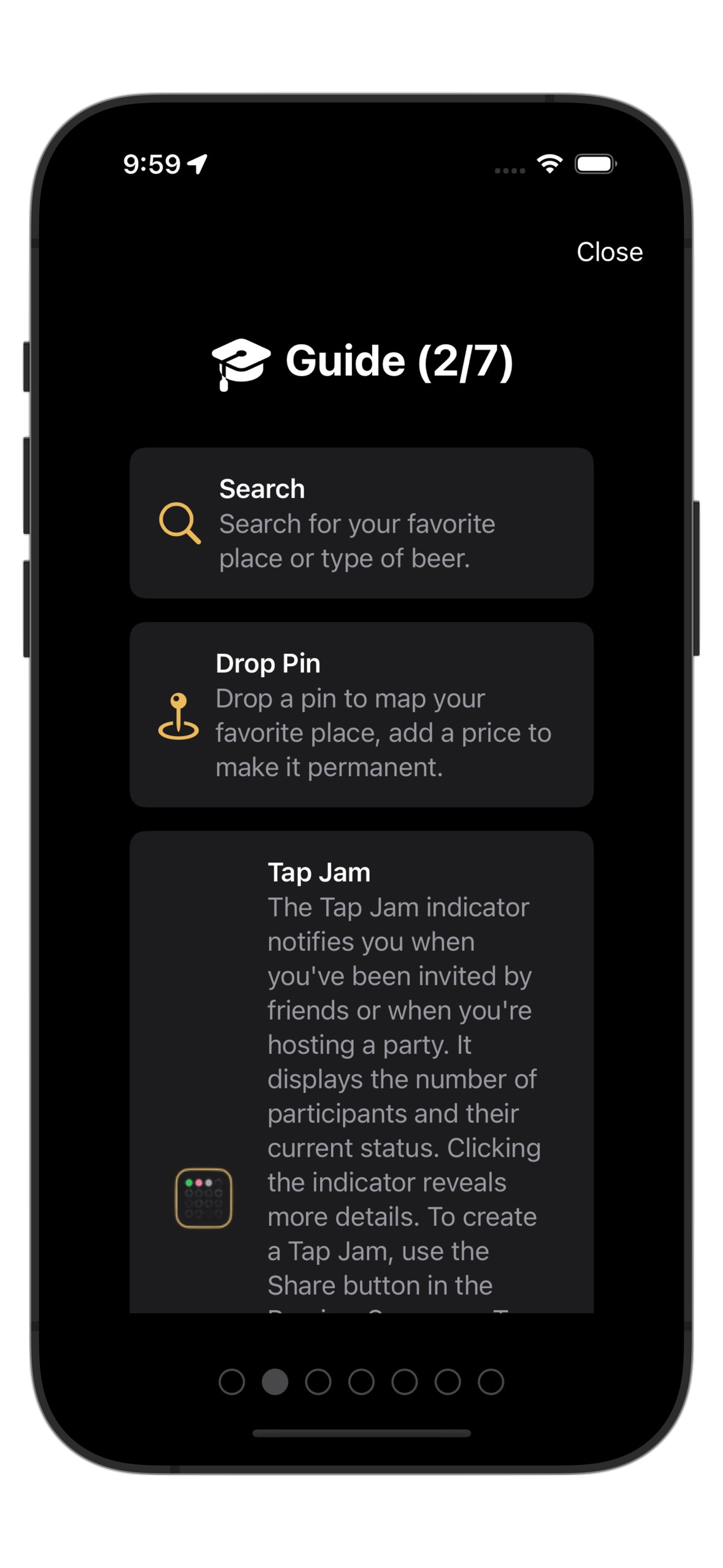
The app is a good place to start, the initial welcome wizard gives us all you need to get started. If you need to review the wizard later, you can access it from your profile view.
How do I get Tap Map on Android?
Tap Map is available on Google Play.
Does the app supports Dark Mode?
Yes, Tap Map supports both Light Mode and Dark Mode.
What language does Tap Map support?
Tap Map today focuses on English (UK), English (US) and French (FR). Additional languages will be added at a later time. Contact our support team if you want to volunteer to translate it into your preferred languages.
What is the weight of each piece of information for suggestions
We are always modifying the algorithm to ensure the best result, so we are not sharing that information at this time.
Is my data secure?
Yes, all data is encrypted at rest and in transit.
Do I need to share my location?
For better results, you should authorize the application to allow access to location data. By sharing your location with the app, it enables the app to show you relevant results to your location and direct you to them. We do not store location information on the user.
Can I delete my account
Go to profile settings and select “Delete Account”.
I have more questions
For all other questions, we encourage you to contact our support team using the information in thesupport page.